Elevating Enterprise Logic with Zoho CRM Orchestration
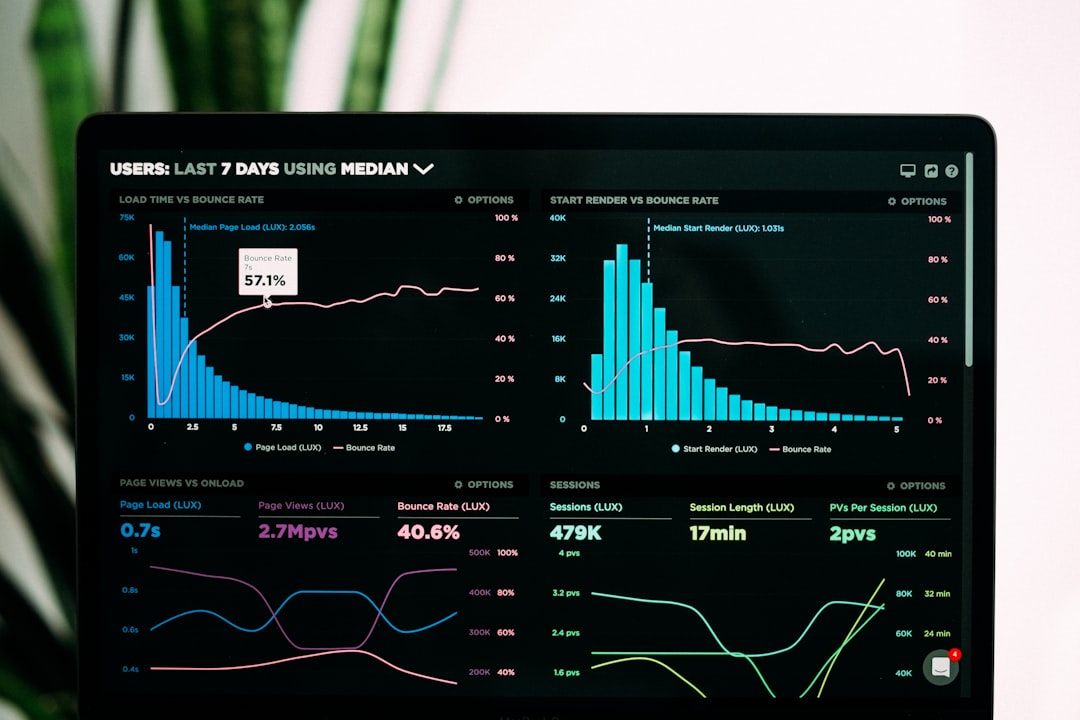
Photo by Luke Chesser on Unsplash
As enterprise sales cycles become increasingly complex, the role of a CRM has shifted from a mere database to a sophisticated orchestration engine. Recent updates to Zoho CRM signal a significant move toward deeper visual logic and automated journey mapping.
Overview
The latest suite of enhancements within Zoho CRM focuses on reducing the friction between data collection and actionable insight. By introducing tools that visualize customer paths and simplify user interfaces, the platform allows businesses to move beyond standard automation into the realm of intelligent orchestration. This shift is critical for organizations looking to scale their operations without increasing administrative overhead.
Key Highlights
Path Finder: A visual tool designed to map and analyze every stage of the customer journey, identifying bottlenecks where leads may stall or drop off.
Kiosk Studio: An intuitive, low-code interface builder that allows teams to create simplified, task-specific views for specialized roles within the organization.
Advanced Command Center: Enhanced transition capabilities that allow for more granular control over complex business processes involving multiple stakeholders.
Zia Intelligence Refinements: Improved predictive analytics that offer deeper insights into lead conversion probabilities and recommended next steps for sales representatives.
Business Impact
For organizations utilizing Zoho solutions, these updates translate directly into improved operational velocity. By visualizing the customer journey through Path Finder, leadership can make data-backed decisions on resource allocation. Furthermore, the ability to customize user experiences through Kiosk Studio ensures that team members are not overwhelmed by unnecessary fields, leading to higher data integrity and faster onboarding times.
Integrating these tools as part of a broader strategy for AI-driven business automations allows companies to stay competitive in a landscape where speed and personalization are paramount. When the CRM proactively suggests the best path forward, the sales team can focus on relationship building rather than data entry.
Implementation & Best Practices
Successful deployment of these new features requires a structured approach. Enterprises should begin by auditing their existing Blueprints and Command Center transitions to ensure they align with current sales realities. It is often beneficial to engage in CRM and ERP customization to ensure that data flows smoothly between the front-office CRM and back-office financial systems.
Before rolling out Kiosk Studio views, gather feedback from end-users to identify the specific data points essential for their daily tasks. Reducing visual noise is the primary goal here; a leaner interface typically leads to higher CRM adoption rates across the board. For detailed technical specifications on these features, administrators should consult the official Zoho CRM developer documentation.
Frequently Asked Questions
How does Path Finder differ from traditional reports?
While traditional reports provide a static snapshot of data, Path Finder offers a dynamic, visual representation of how records move through different stages. It allows you to see the exact sequence of events and identify where processes deviate from the intended flow.
Can Kiosk Studio be used to restrict data access?
Kiosk Studio is primarily a UI tool designed to simplify the user experience. While it limits what a user sees on a specific screen, true data security and access control should still be managed through Zoho CRM's robust roles and permissions settings.
Do these updates require a specific Zoho CRM edition?
Most advanced orchestration features, such as Command Center and Path Finder, are typically available in the Enterprise and Ultimate editions. It is recommended to check your specific subscription plan for availability.
Final Thoughts
The evolution of Zoho CRM into a high-performance orchestration platform provides enterprises with the tools necessary to manage growth with precision. By leveraging visual logic and AI-driven insights, businesses can create a more responsive and efficient sales ecosystem. Organizations ready to modernize their stack should look toward these tools as the foundation for their next phase of digital transformation.